
 Login
LoginLet customers see when your support team is online
Show each support department’s working hours and live status throughout your Phox client area — so customers know exactly when help is available.
First year is $29, then $20 / year on every renewal.
Live availability where customers need it most
Support Hours puts every department’s current status on the pages where customers choose when and how to reach you.
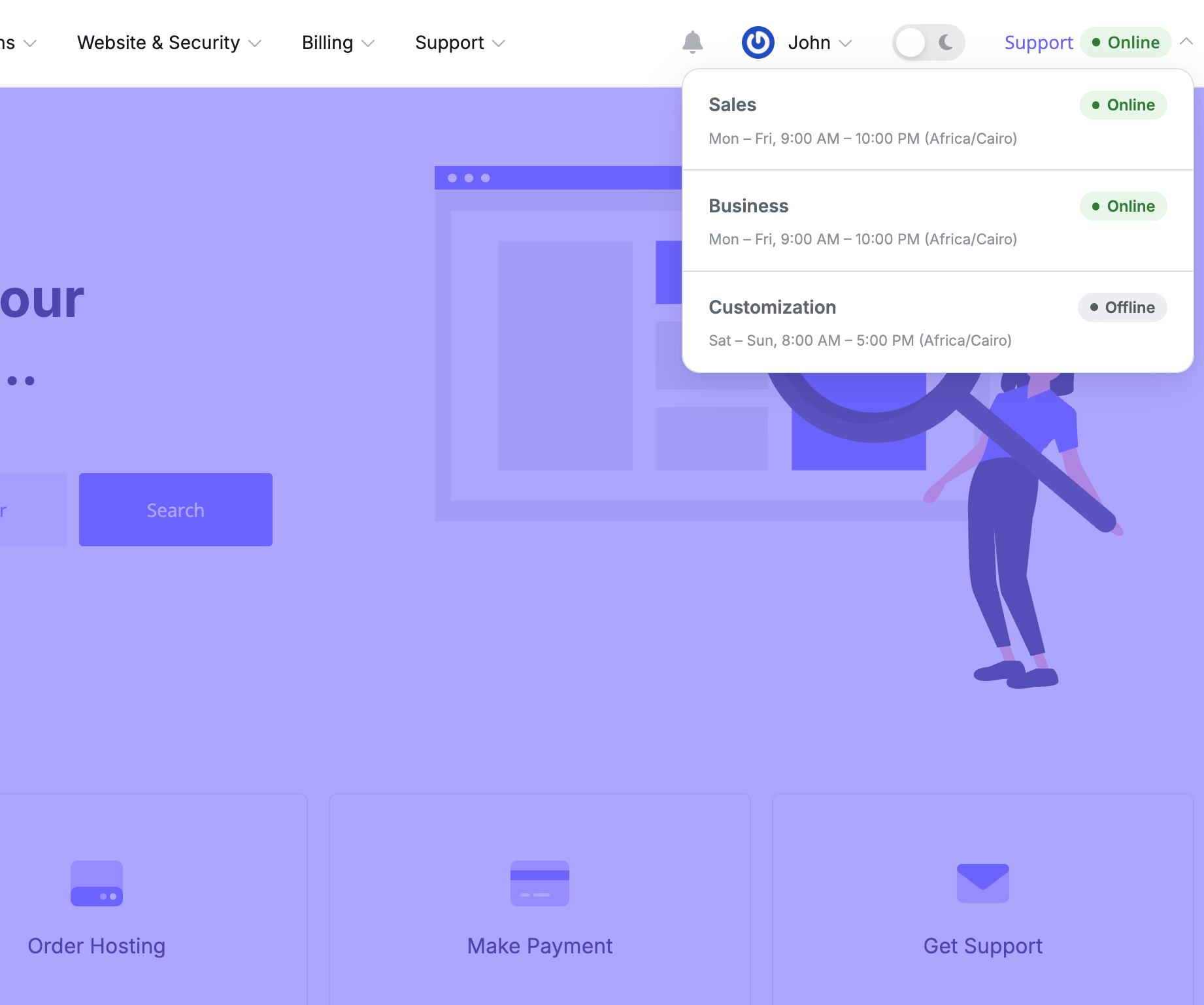
Your team's status, always visible in the main navigation
A small indicator in the top menu tells visitors whether support is online right now — on every page of the client area — so they can reach out at the right time.
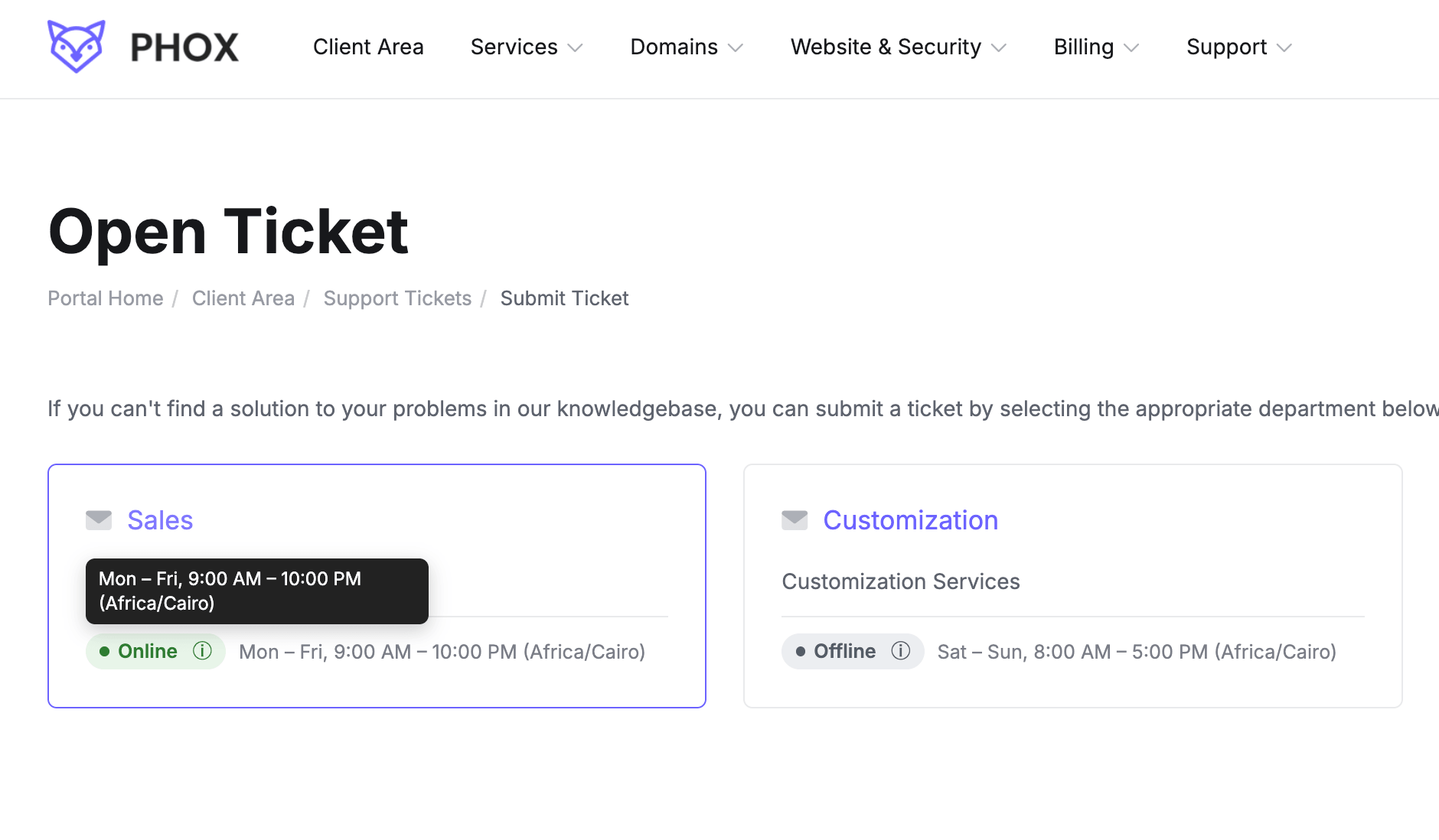
Hours and live status for each team on the department selection page
Before picking a department, customers see when it works, which time zone it follows and whether it is open now — so they know how quickly to expect a reply.
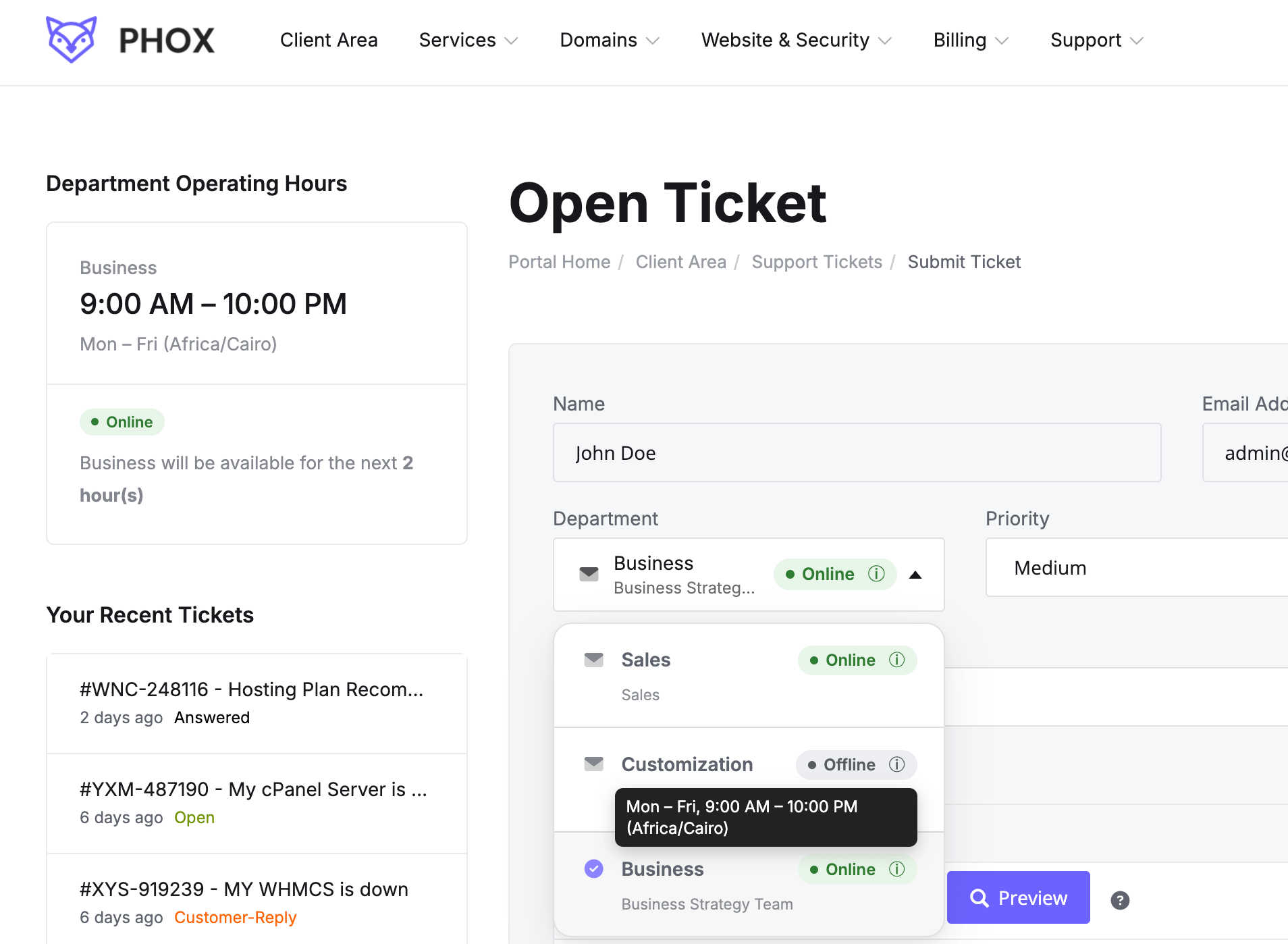
Availability right inside the ticket department dropdown
When opening or viewing a ticket, the department selector shows which teams are available, so customers stay informed without leaving the form.
Set your schedule, your way
Decide when each department is reachable and where customers see it — everything is managed from the addon settings in your WHMCS admin.
Define Time Slots
Add the hours your team is reachable on each working day.
Learn More: Define Time Slots →Choose Departments
Pick which support departments display their availability to customers.
Learn More: Choose Departments →Control Placement
Display support hours across the whole client area or only on selected pages.
Learn More: Control Placement →Time Zone
Set the time zone your hours are shown in, so there is no guesswork for customers.
Learn More: Time Zone →Time Format
Show times in the 12-hour or 24-hour format — whichever suits your audience.
Learn More: Time Format →Plan time off without surprising anyone
Add holidays and planned breaks per department. Customers are informed in advance, rather than discovering the team is away after they have already opened a ticket.
One license, every feature
Use it on one WHMCS installation. Renew each year to keep updates and support — the installed extension keeps working either way.
All prices exclude VAT. VAT is added at checkout at the rate that applies in your country.
First year is $29 — every year after that renews at the $20 above.
Frequently Asked Questions
Once installed with Phox WHMCS Client Theme, you give each support department its own schedule. The client area then tells customers, live, whether that department is online or away.
Any holidays you add show up in the same spots, so customers learn about time off before they submit a ticket.
Yes. The Holidays section lets you mark dates when a department is unavailable, and customers see that notice across the client area.
Yes. Every department is scheduled separately, which makes it easy to handle different teams, shifts or time zones.
No. All Phox extensions need Phox Client Theme installed and active on your WHMCS. They are not compatible with other WHMCS themes.
Yes. Automatic renewal can be switched off for any Phox product, and no further renewal invoices will be generated.
Nothing breaks. Renewing gives you new versions and technical support for another year, but the extension keeps working even if the renewal invoice stays unpaid.
Yes. You are free to customize it to fit your project.
If the extension does not work on a supported Phox install, contact support within 14 days.